50 sparks
390 ₽
≈12 images
At a cost of 4 sparks per image
Choose this packAI photo studio for sellers
Upload photos, screenshots, links, and a description. The AI agent reviews your materials and helps create product photos, infographics, and video for your product.
We help prepare photos and data for an Ozon listing.
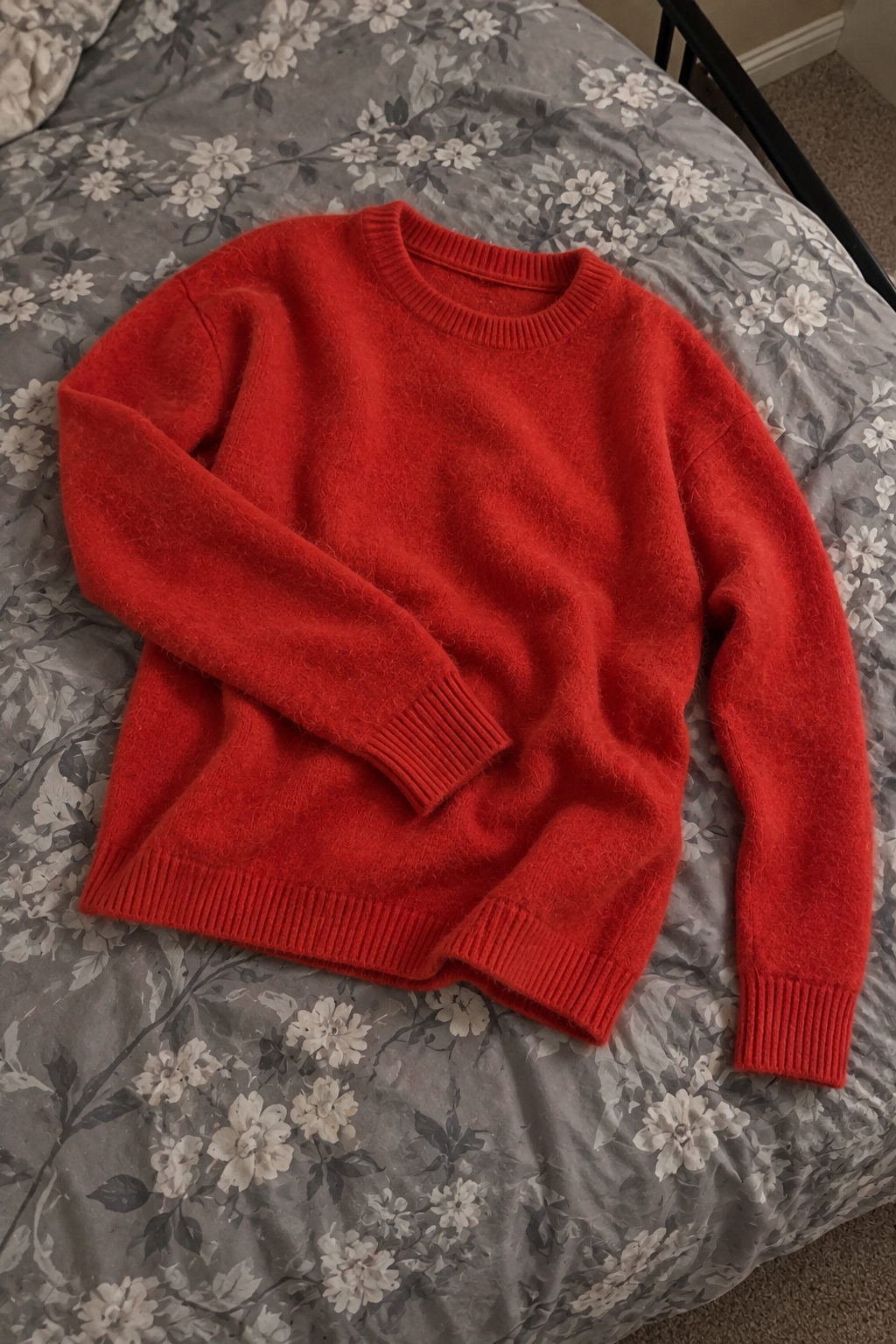
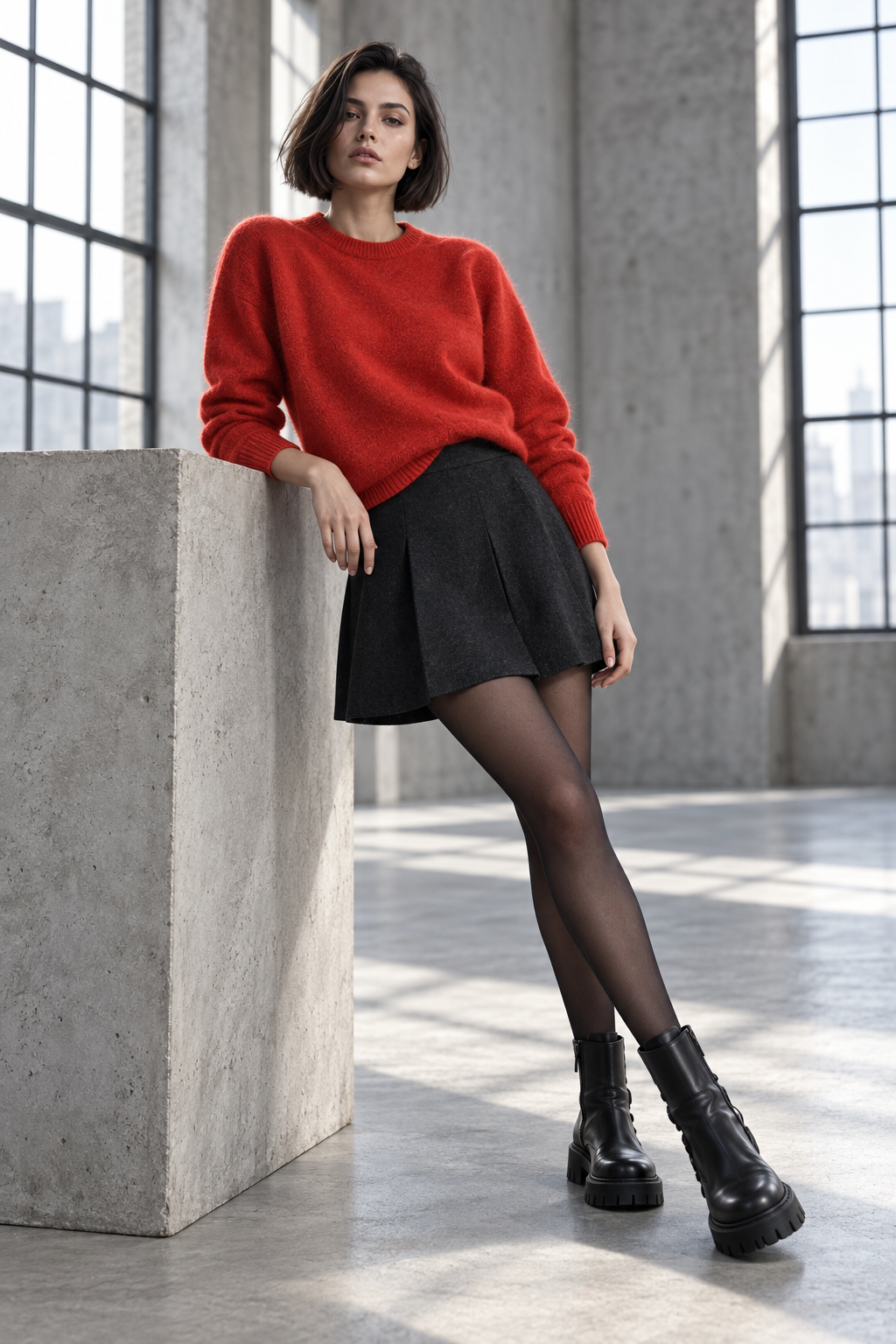
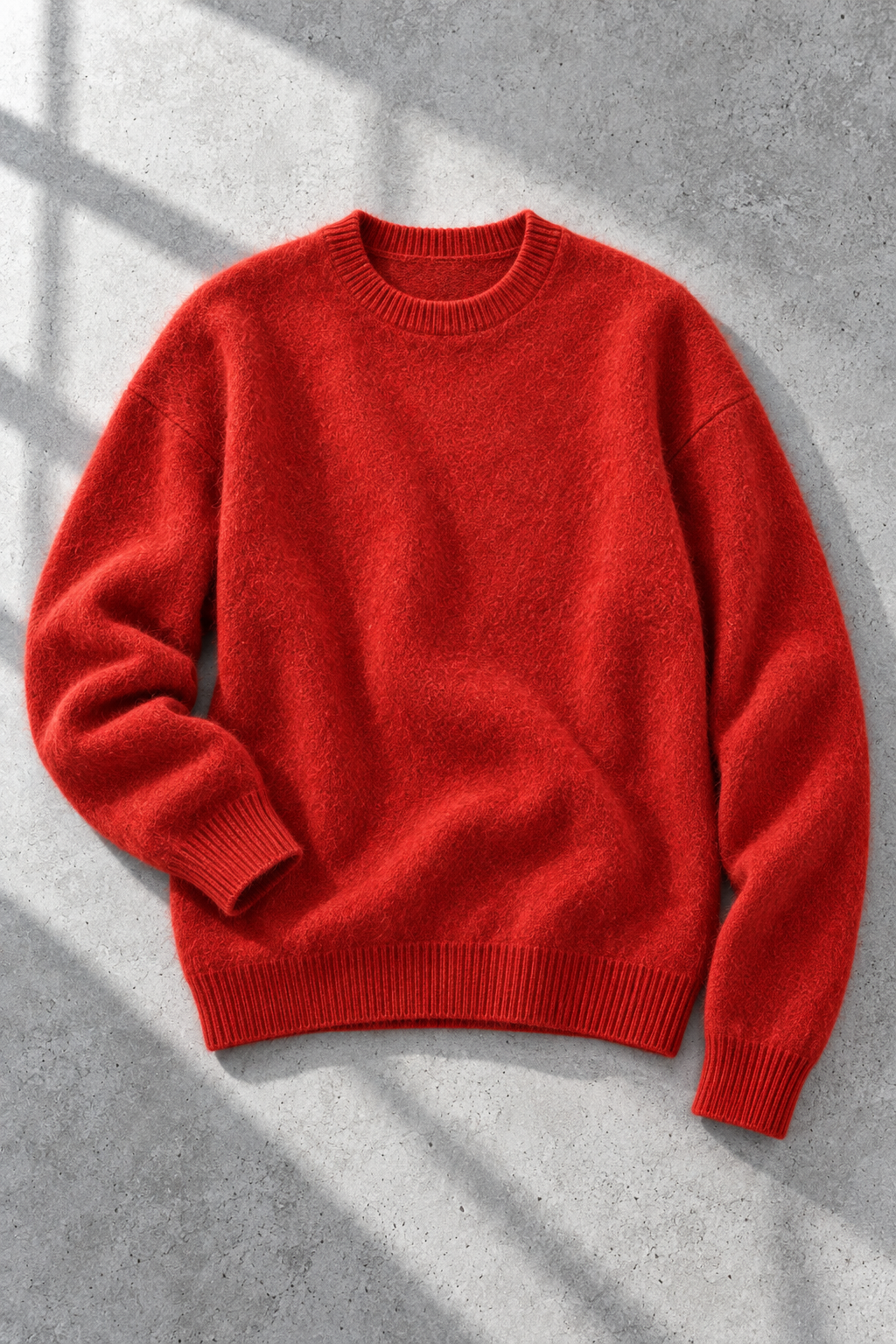
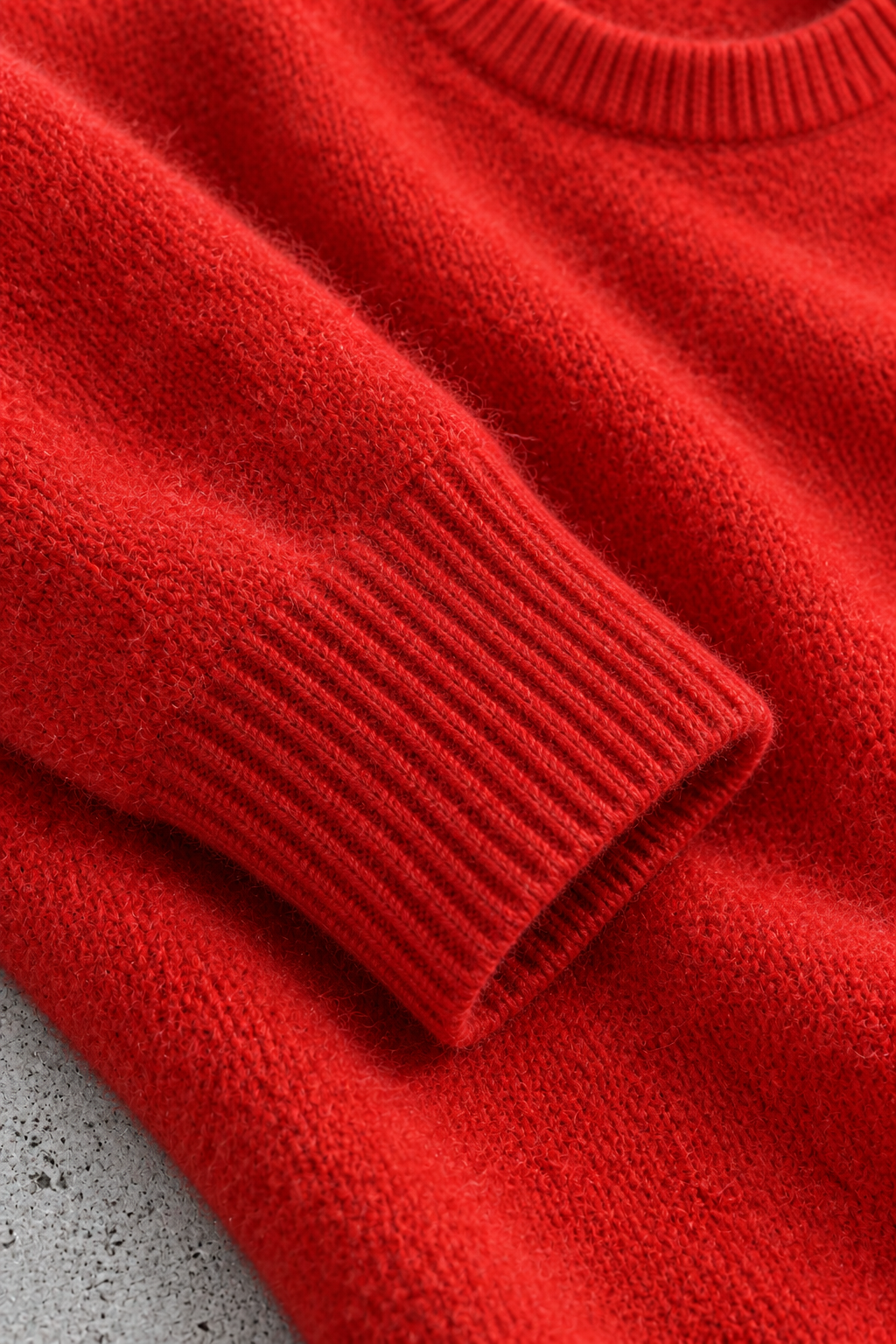
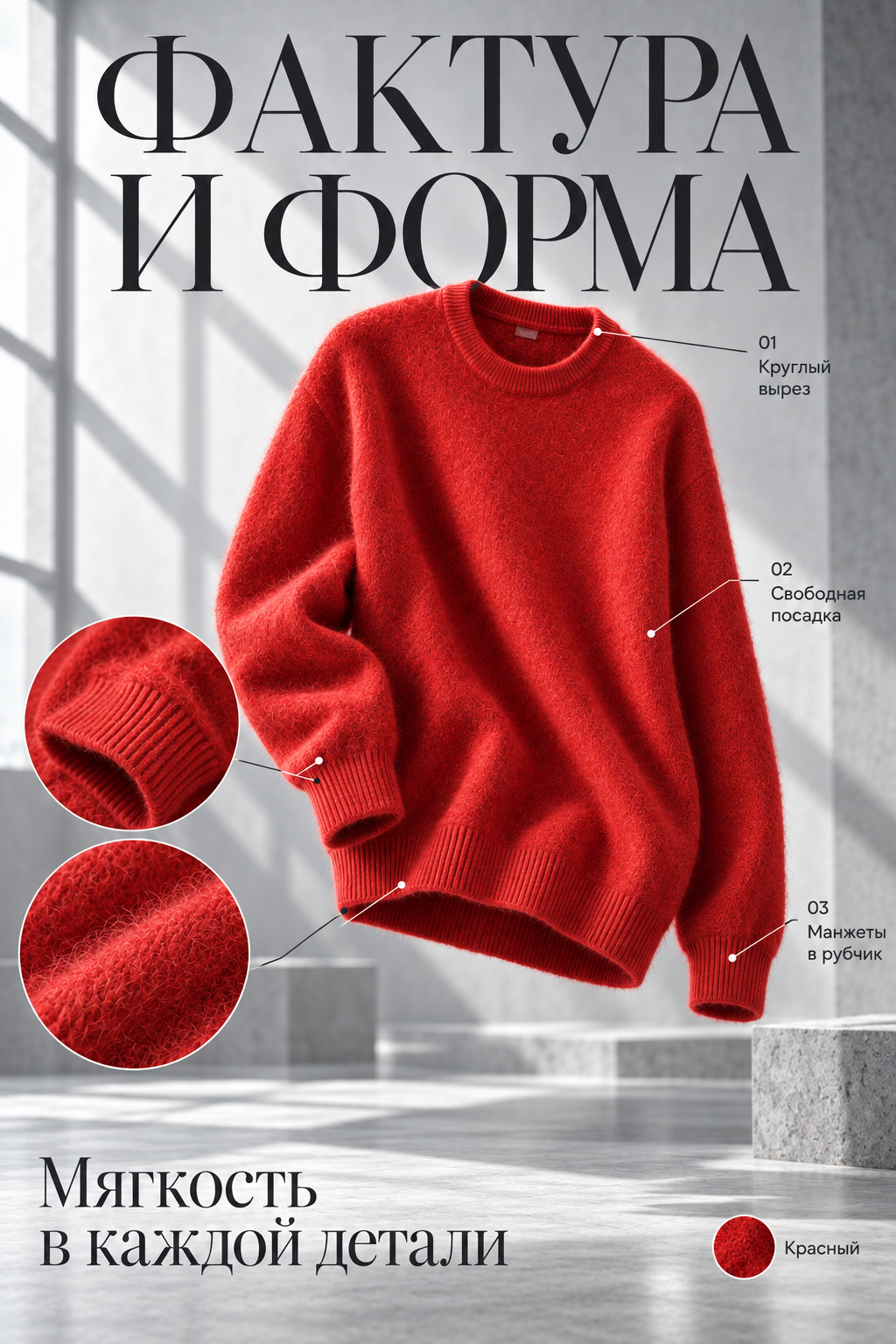
From an ordinary photo to model shots, flat lays, details, and infographics.
Product photos, screenshots, links, descriptions, and specifications — no need to bring them into one format first.
Check product data, resolution, shot types, and angles. Ask the agent to change settings when needed.
Get ready photos, infographics, and video. We help prepare listing data; you can publish it in your store yourself.
It sees your product materials, settings, and complete set. Ask it to change the background, choose a model, or redo a shot — it will make the changes.
The agent selects a reference from the catalog and applies it to model shots.
It adds the requested shot types and sets the angles and resolution.
It changes the background and regenerates that shot while keeping the rest of the set.
We help assemble product photos and description for a listing. You can publish it in your store yourself.
Top up your sparks balance and spend it on content creation.
390 ₽
≈12 images
At a cost of 4 sparks per image
Choose this pack990 ₽
≈35 images
At a cost of 4 sparks per image
Choose this pack2490 ₽
≈100 images
At a cost of 4 sparks per image
Choose this pack6490 ₽
≈300 images
At a cost of 4 sparks per image
Choose this packSpark usage depends on the generation model, resolution, and other settings.
A quick guide to materials, the agent, and the result.
You can start with an ordinary photo or screenshot. The key is that the product can be seen clearly. Sources with visible details help reproduce its appearance more accurately.
The agent helps review your materials and suggests settings. Accept its suggestion or clarify the result you need.
Yes. Change its settings or references and run generation again. The rest of the set stays in place.
Product photos, infographics, and video for a listing, plus help preparing its data. You choose the set of materials.
For now, we help prepare Ozon listings. You can publish the listing in the store yourself.
Open the app, sign up, and add materials for your first product.